

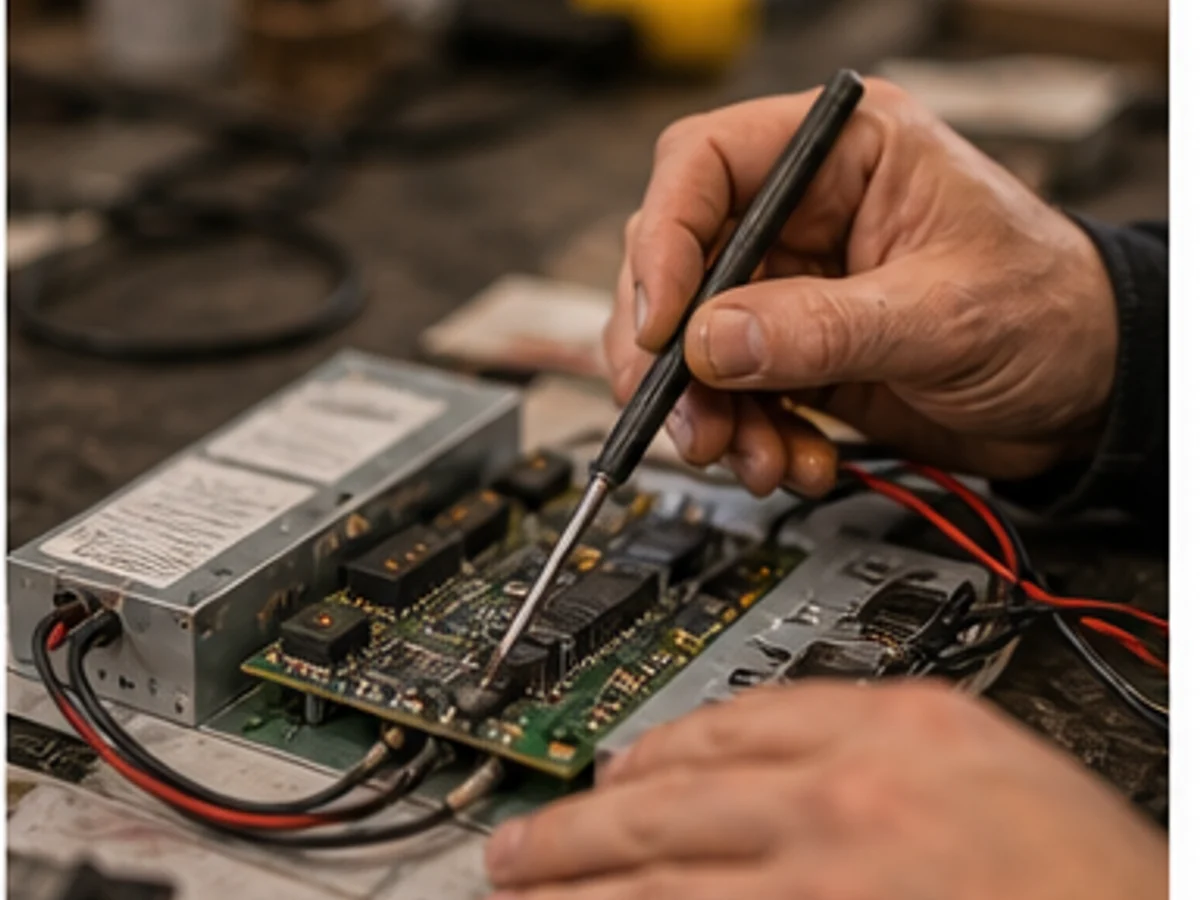
Recognize common signage problems and choose the right next step

Recognize common signage problems and choose the right next step

Not sure whether it is electrical, LED, film, mounting or weather damage? Describe the visible issue or send a photo. PixelRing checks the next sensible step.

Which situation matches your problem?

Start with what you can see. The first classification helps us handle your request faster.

Causes

Flickering usually has nothing to do with the LEDs themselves — it is almost always a power-supply issue. The most common culpr2its are an overloaded or ageing driver, a loose terminal, voltage drop along the cable run, moisture inside the housing, or a failing LED driver. If the problem appeared after rain, wind, a power surge, or has been getting worse over time, it needs proper diagnosis before the backlight fails entirely.

Causes

Every vinyl film has a rated outdoor durability — typically three to five years for economy grades and seven to twelve years for premium cast films. Fading is cumulative UV damage to the pigment layer, and it is not reversible. South- and west-facing surfaces fade fastest; you will often see one side of a pylon sign bleached while the other still looks new. The practical question is not "can we fix it" but "is it worth replacing just the faded panel, or should we refresh the entire sign to get uniform colour across all elements?"

Causes

A moving sign is a falling sign that has not fallen yet. I have attended sites where a 120-kilogram lightbox was held on by a single remaining anchor bolt — the others had corroded through behind the cladding where nobody could see them. Wind load on a sign face is enormous: a two-square-metre panel in a 100 km/h gust takes over 800 newtons of force, enough to rip anchor bolts out of crumbling masonry. If a sign is visibly moving, the area below must be cordoned off immediately and the sign assessed by a structural-qualified technician, not just an electrician.

Causes

After two decades in this trade, I can tell you that the situations which look the most dramatic — sparks, smoke, a hanging sign — are actually the easiest to triage, because urgency is obvious and people act. The dangerous ones are the slow-burn faults: the RCD that trips once a week and gets reset without investigation, the bracket that has been slightly loose for a year. If you are reading this because something acute has happened, the protocol is simple: isolate the power if you can do so safely, move people away from the area below the sign, photograph what you see, and call us. Do not attempt any repair yourself.

What can improve after the fix

These values are not a guarantee but show typical effects when visible defects are professionally narrowed down and resolved.

Illustrative example, not a revenue or performance guarantee.

Visibility

Before38%
After86%

Location impression

Before44%
After82%

Customer orientation

Before51%
After79%

Reduced outage risk

Before32%
After74%

When is an urgent repair needed?

In case of burning smell, sparks, loose parts, exposed cables, storm damage or danger to passers-by, the case should be reported immediately.

  • !Only switch off the system if it is safe to do so.
  • !Do not open electrical parts or loosen fastenings yourself.
  • !Photos help, but safety comes before documentation.

What helps with the first assessment?

If you do not know the technical term, a photo and short description are enough to start.

01photos of the affected area

02what changed

03address, city or region

04whether it feels urgent

05preferred contact method

Classifying common signage damage

Illuminated signs, LED signs and lightboxes can fail for many reasons: power supplies, controllers, modules, transformers, moisture, corrosion or aged connections.

Visible branding issues such as peeling film, faded lettering, damaged letters or loose structural parts affect how a location is perceived. A first photo assessment can help narrow the scope.

PixelRing focuses on Berlin and Brandenburg as its core area. Other German regions can be requested depending on the task.

Common questions about damage and repair

More details stay in the Support Center.

Do I need to know which technology is installed?+

No. A visible issue, photos and the location are often enough for the first assessment.

Can PixelRing immediately say whether it will be repaired or replaced?+

A recommendation is made after inspection. The first focus is on sensible repair and restoration.

Should I check electrical issues myself?+

No. Only switch off if safe to do so and report the case directly.

NEXT STEP

Not sure which problem you have?

Send us a photo or describe briefly what is visible. PixelRing checks the case and clarifies the next sensible steps.